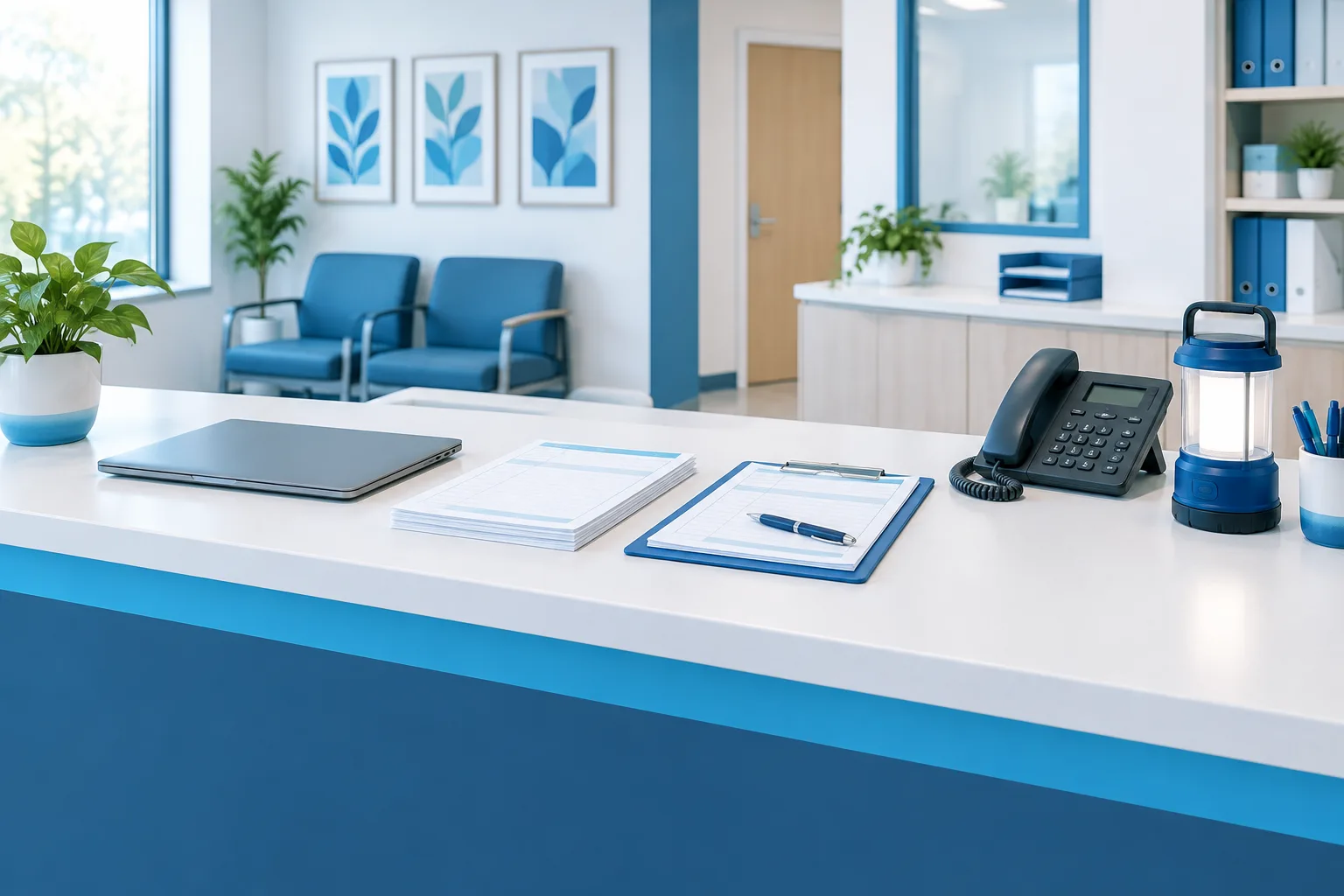
An EHR downtime drill checklist helps a medical practice rehearse how to keep essential work moving when its electronic health record is unavailable. The goal is not simply to test technology. Staff should practice what to do for patients, how to communicate without relying on the affected system, and how to handle work created on paper after the EHR returns.
For a Florida practice, a useful exercise might simulate an internet or power outage, but the scenario should fit the systems and workflows your clinic actually depends on. The American Academy of Family Physicians’ guidance on preparing for outages can help teams think through disruptions that affect more than the EHR itself.
Set a clear goal and choose a realistic scenario
Before the drill, decide what you want to learn. You might test whether staff know who declares downtime, whether paper workflows are accessible, or how the team handles a day of appointments if connectivity is lost. Keep the exercise focused enough that staff can participate without creating confusion for patients.
Choose a scenario that reflects your practice. An EHR-only interruption is different from losing internet access, power, phone service, or access to an outside system. A longer disruption may affect several of these at once. Make clear that the exercise is a simulation, and let staff know how to distinguish drill communications from a real outage.
For a practice with multiple locations, decide whether the drill will involve one site or several. If sites share systems or staff, test how they will share updates and whether each location can use its own approved downtime materials. Include the people responsible for coordinating across locations.

Assign roles before the exercise
Staff should know who is responsible for key decisions and tasks. The practice leader or designated backup can declare downtime and communicate when the drill begins. A clinical lead can coordinate patient-care workflows, while a front-desk lead can manage arrivals, scheduling, and patient updates. A technical contact can assess the outage and share status updates.
In a smaller clinic, one person may cover more than one role. Name a backup for each critical responsibility, and make sure everyone knows who to contact if the primary person is unavailable. The ASPR TRACIE guidelines for developing EHR downtime procedures offer additional planning considerations.
Rehearse the paper workflow from arrival to follow-up
Use the drill to walk through a typical patient visit, rather than stopping when the team finds a paper form. Ask staff to practice each step using materials the practice has approved for downtime:
- Patient identification: Decide how staff will confirm identity and avoid confusing records when the EHR is unavailable.
- Appointments and arrivals: Practice checking the day’s schedule using an approved offline method, recording arrivals, and handling changes or walk-ins.
- Clinical documentation: Locate the downtime forms staff need and rehearse documenting relevant visit information clearly for later entry.
- Prescriptions, orders, and referrals: Establish how staff will record requests, route them to the appropriate person, and track whether each item has been completed.
- Results and patient calls: Practice receiving or recording incoming information, assigning follow-up, and tracking calls that cannot be resolved through the usual system.
- Billing and other operations: Decide which administrative tasks the practice will continue, defer, or handle through an approved alternative.
Be specific about where completed paper records go, who can access them, and how staff will keep unfinished tasks visible. Do not use real patient information during a drill unless the practice’s approved process specifically allows it. Use a safe simulation and follow the practice’s privacy and records-handling procedures.
Test communications that work without the EHR
A downtime communication plan should tell staff how to learn that an outage has been declared, where to get status updates, and how to report urgent issues. Test an offline communication method that does not depend on the affected network or system. Make sure staff know how to reach the designated leads and how updates will be shared if the interruption continues.
Include patient communication in the exercise. Practice how the front desk will explain a delay, a changed appointment, or a follow-up plan using language the practice has approved. Avoid sharing sensitive information through an unapproved channel. If the clinic cannot confirm an answer during the outage, staff should know who will take responsibility for following up.
Make privacy and paper handling part of the drill
Paper workflows can create new handling needs. Rehearse how staff will keep forms from being left in public areas, limit access to people who need them for their work, and move completed records to a designated secure location. Include a process for tracking blank and completed forms, and clarify how the practice will retain or dispose of temporary paperwork under its own policies.
Consider whether staff can access the patient information they need when the EHR is down. If the practice relies on printed or otherwise available downtime information, test whether it is accessible to the right people and whether the team knows how to handle it securely. The ONC SAFER Contingency Planning guide provides a framework for reviewing contingency planning.
Practice a controlled return to the EHR
Restoration is part of the drill, not an afterthought. Decide who confirms that the EHR and any needed connections are ready for use, and how that confirmation reaches staff. Rehearse how the team will distinguish work already entered in the EHR from work still documented on paper.
Assign responsibility for entering or reconciling temporary records, prescriptions, orders, results, referrals, and follow-up tasks. Check for missing, delayed, or duplicated items, and keep a list of unresolved work with a named owner. Follow the practice’s approved process for temporary identifiers and ensure that any temporary documentation is connected to the correct patient record.
For additional planning around interruptions and restoration, see Zevonix’s guide to medical practice disaster recovery. Practices can also review their IT security checklist as part of broader readiness planning.
Debrief and improve the plan
After the exercise, ask staff where they hesitated, which instructions were hard to find, and which tasks could not be completed as expected. Record gaps, assign someone to address each one, and update the written procedures and materials when needed. A brief debrief can reveal practical workflow issues that a technology-focused test may miss.
The 2024 ONC SAFER Contingency Planning guide recommends conducting unannounced EHR downtime drills at least once a year; this is a guide recommendation, not a Florida-specific statutory interval. The same guide recommends reviewing the written EHR downtime policy at least every two years. Use these recommendations as planning references and consider the practice’s needs when setting its own review schedule.
Frequently asked questions
Who should lead a medical practice downtime drill?
A designated practice leader should coordinate the exercise, with clinical, front-desk, and technical leads responsible for their respective workflows. Name backups so staff know whom to contact if a lead is unavailable.
How should a clinic notify staff when the EHR is unavailable?
Use a predefined method that does not depend on the system or network that may be affected. Test how staff receive the initial notice, find status updates, and report urgent concerns.
Which paper forms and patient information should be available?
Identify the forms and information staff need for the workflows your practice plans to continue. Keep them accessible through a practice-approved process, and rehearse secure access and handling.
How should a practice handle work when the EHR comes back?
Confirm the system is ready, then reconcile paper documentation and track orders, results, referrals, and follow-up tasks. Assign owners to resolve missing, delayed, or potentially duplicated work.
Make the next step practical
A useful EHR downtime drill gives staff a chance to practice patient-facing work, communications, privacy safeguards, and recovery in a controlled setting. Start by selecting a realistic scenario and asking each team lead to identify the workflow their staff will rehearse. Zevonix provides IT support for medical practices across Florida, with support that includes 24/7 monitoring and remote and onsite support. To discuss your practice’s IT needs, call (904) 658-0777.